Docs
Doc / build-ios
Build OmniEdge for iOS
OmniEdge v2.x for iOS
OmniEdge v2.x for iOS is coming soon. The v2.x version will be built with Rust and provide the same features as the desktop application.
Expected Features
- Rust-based networking core (same as CLI)
- Native SwiftUI interface
- Plugin system support (limited capabilities)
- Improved NAT traversal with relay fallback
- WireGuard-based encryption via Network Extension
Timeline
Stay tuned for updates on GitHub and Discord.
Legacy v1.x Build (Archived)
The legacy v1.x iOS app source is available for reference:
Repository
- omniedge-iOS - Archived
Prerequisites
- Download and install Xcode from the App Store
- Apple Developer account (for device testing)
Build Steps
git clone https://github.com/omniedgeio/omniedge-iOS.git
cd omniedge-iOS
open OmniEdgeNew/OmniEdgeNew.xcworkspace
Xcode will open automatically. You need to:
- Set your Apple Developer Team in project settings
- Update bundle identifiers to be unique
- Configure provisioning profiles
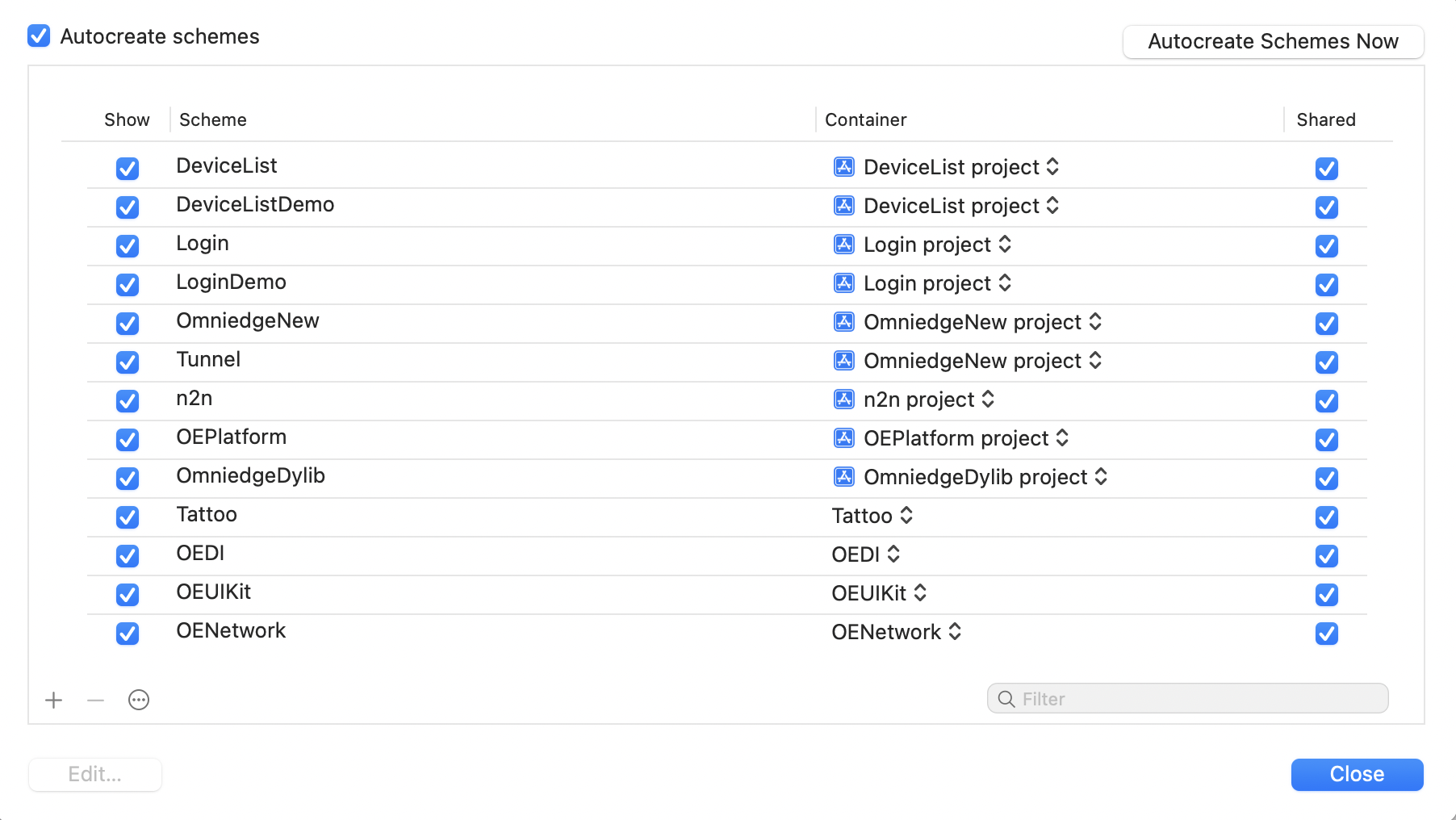
Building the Network Extension
The VPN functionality requires a Network Extension. Build it separately:
- In Xcode, select the Tunnel target
- Configure signing for the Tunnel extension
- Build the Tunnel target first
- Then build the main app target
Device Testing
The VPN Network Extension requires running on a physical device. Simulators do not support VPN functionality.
Alternative: Access iOS via OmniEdge
While waiting for v2.x iOS, you can access iOS devices over OmniEdge using development tools:
- Connect Mac with Xcode to OmniEdge network
- Connect iOS device to the same Mac via USB or WiFi
- Use Xcode's wireless debugging to connect via virtual IP
If you have more questions, feel free to discuss.
On This Page