Docs
Doc / Cases / LanDrop
Air Drop Any Files Between MacOS, Windows, Linux and Android with OmniEdge
LANDrop is an application that lets you drop any files to any devices on your LAN. No need to use instant messaging for file sharing anymore. It works on GNU/Linux, Windows, macOS, iOS, and Android.
With OmniEdge, LANDrop can drop files to remote devices over OmniEdge's peer-to-peer mesh network from anywhere in the world.
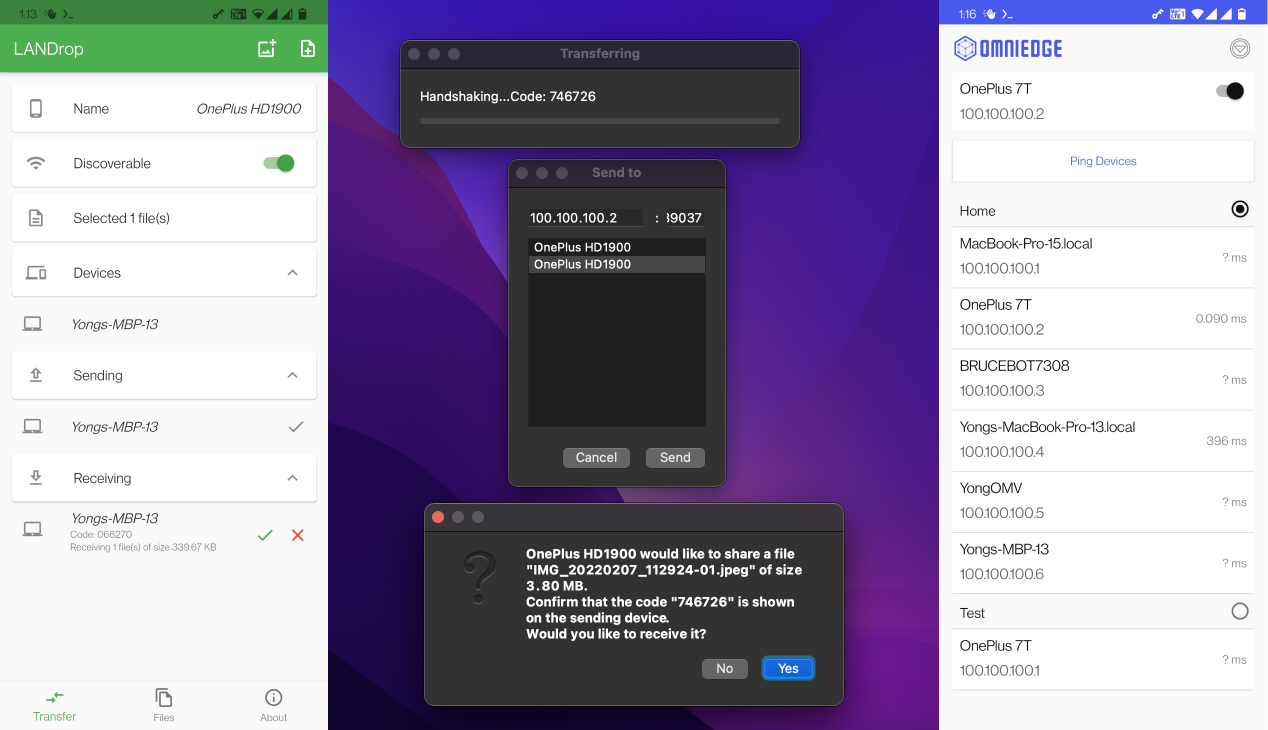
LANDrop Features
- Intuitive UI - You know how to use it when you see it
- Secure - Uses state-of-the-art cryptography, no one else can see your files
- No compression - Doesn't compress your photos and videos when sending
- Cross-platform - Works on all major operating systems
Requirements
- LANDrop for your devices: Download from GitHub
- OmniEdge v2.x:
Note: OmniEdge for Android v2.x is coming soon. For now, use desktop/laptop devices with OmniEdge v2.x.
Install LANDrop
macOS
Download from LANDrop macOS - look for the .dmg file.
Windows
Download from LANDrop Windows - look for the .exe installer.
Linux
Download AppImage from LANDrop Releases.
chmod +x LANDrop*.AppImage
./LANDrop*.AppImage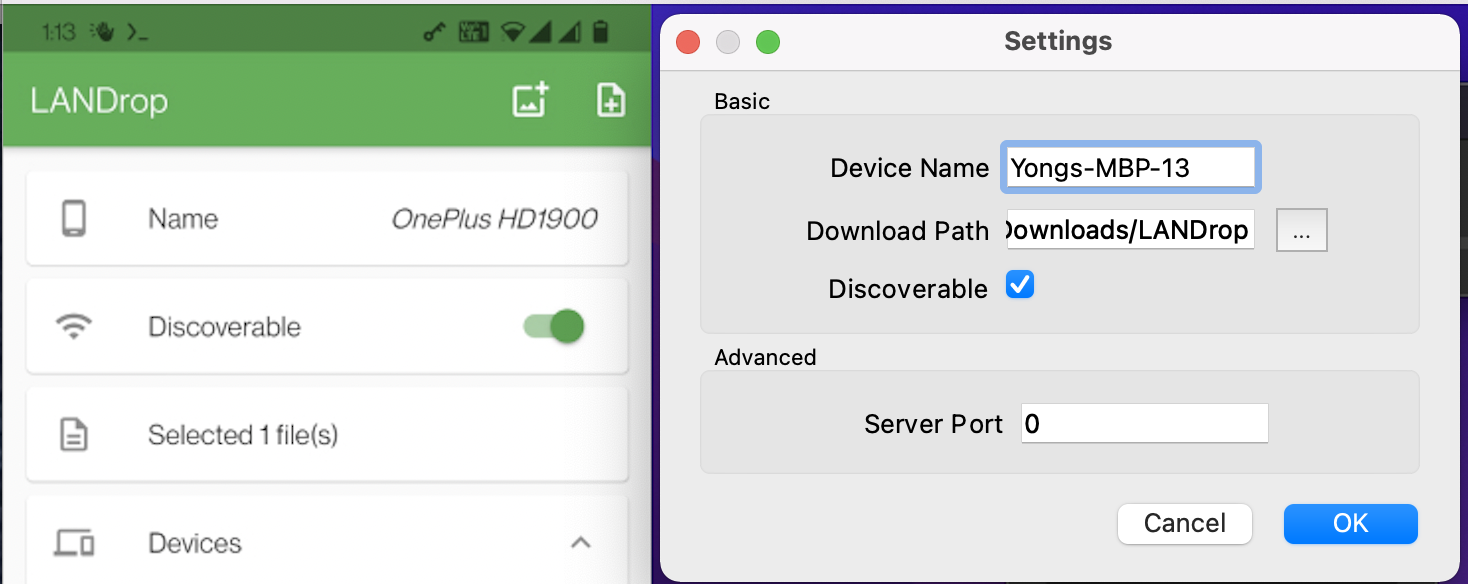
Install OmniEdge
Quick Install (Linux/macOS)
curl -fsSL https://raw.githubusercontent.com/omniedgeio/omniedge/main/scripts/omniedge-install.sh | bashWindows
Download OmniEdge Desktop for Windows and install.
Connect to Your Network
# Start OmniEdge (interactive login on first run)
sudo omniedge start

# Or use security key for automation
sudo omniedge start -s YOUR_SECURITY_KEY -n YOUR_NETWORK_ID
Verify Connection
omniedge status
# Note your virtual IP, e.g., 100.100.100.5
Drop Files Between Devices
Once all devices are connected to the same OmniEdge virtual network:
- Open LANDrop on all devices
- LANDrop automatically discovers devices on the virtual network
- Select files to send
- Choose the destination device
- Accept the transfer on the receiving device
How It Works
┌─────────────────┐         OmniEdge Mesh         ┌─────────────────┐
│   Your MacBook  │◄─────────────────────────────►│  Remote Windows │
│  100.100.100.1  │                               │  100.100.100.2  │
│    LANDrop      │                               │    LANDrop      │
└─────────────────┘                               └─────────────────┘
        │                                                 │
        │         Encrypted P2P File Transfer             │
        └─────────────────────────────────────────────────┘
OmniEdge creates a virtual LAN between your devices regardless of their physical location. LANDrop sees all OmniEdge-connected devices as if they were on the same local network.
Use Cases
Remote Work
Share files between your home computer and office computer without using cloud storage.
Family File Sharing
Drop photos and videos to family members' devices anywhere in the world.
Development Teams
Quickly share builds, assets, or documents between team members.
Benefits Over Cloud Storage
| Cloud Storage | LANDrop + OmniEdge |
|---|---|
| Files stored on third-party servers | Direct device-to-device transfer |
| Monthly subscription fees | Free, peer-to-peer |
| Upload speed limited by ISP | Full bandwidth P2P |
| Compression may reduce quality | No compression |
| Privacy concerns | End-to-end encrypted |
Enjoy!
If you have more questions, feel free to discuss.
On This Page